Storage Backend Configuration
The Storage Backend Configuration section lets you define where your runner group stores workflow data — including state files, artifacts, and logs.
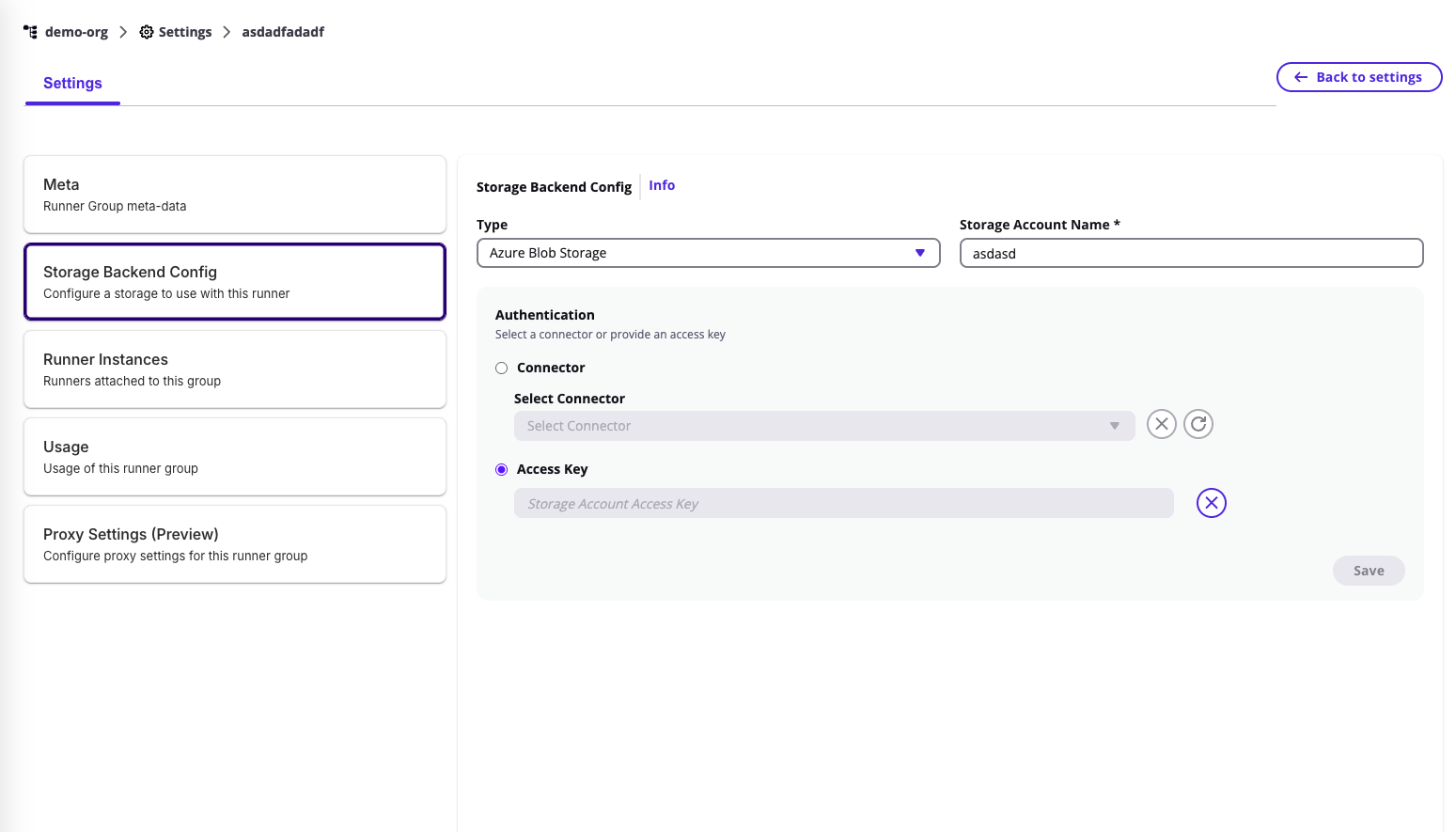
You can configure or update this under Runner Group → Storage Backend Config.
Supported Storage Types
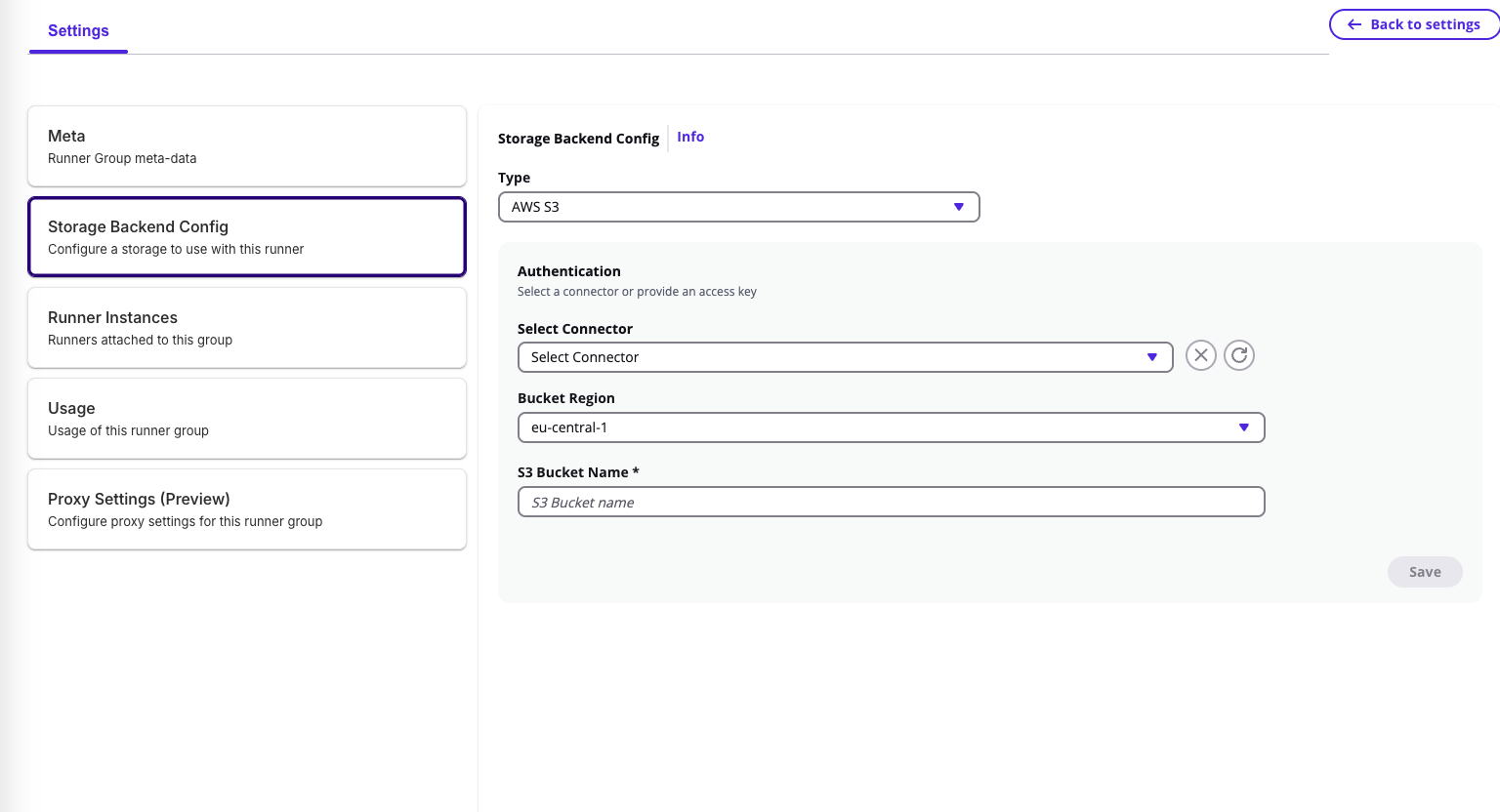
1. AWS S3
When selecting AWS S3 as the backend type:
- Select Connector – Choose an existing AWS connector from your integrations for authentication.
- Select Child Connector – Choose a specific sub-account or integration under the parent connector.
- Bucket Region – Specify the AWS region (e.g.,
eu-central-1for EU,us-east-2for US). - S3 Bucket Name – Enter the name of your S3 bucket where workflow data will be stored.
Once configured, click Save to apply.
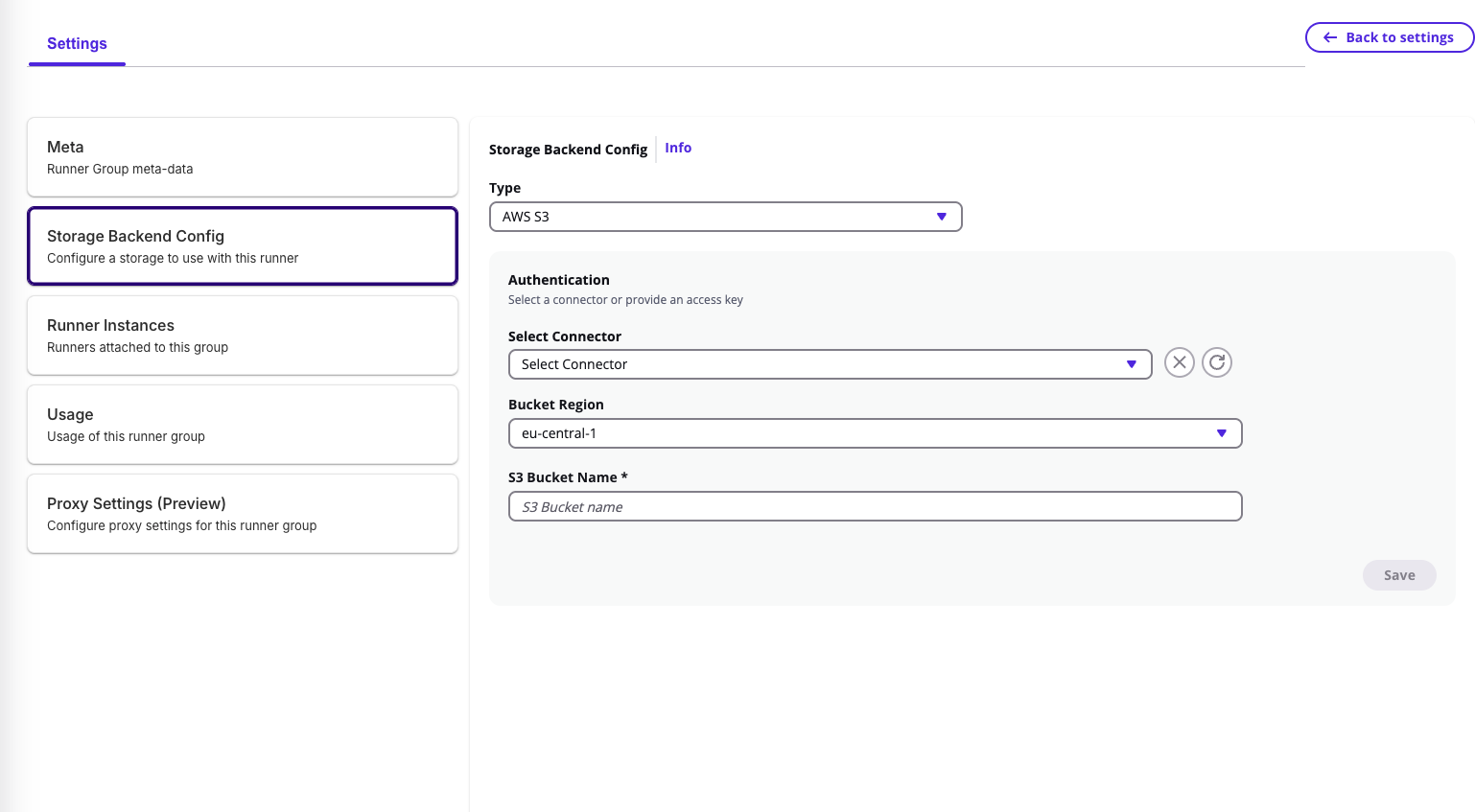
🔄 If you switch or edit the authentication connector, a confirmation prompt appears — note that artifacts and workflow data might become temporarily unreachable if the new backend uses a different configuration.
2. Azure Blob Storage
When selecting Azure Blob Storage as the backend type:
- Storage Account Name – Enter the Azure storage account name.
- Authentication Method:
- Connector – Use an existing Azure connector from your integration groups.
- Access Key – Manually enter the Azure storage access key and click Add Key.
After completing authentication, click Save to store the configuration.
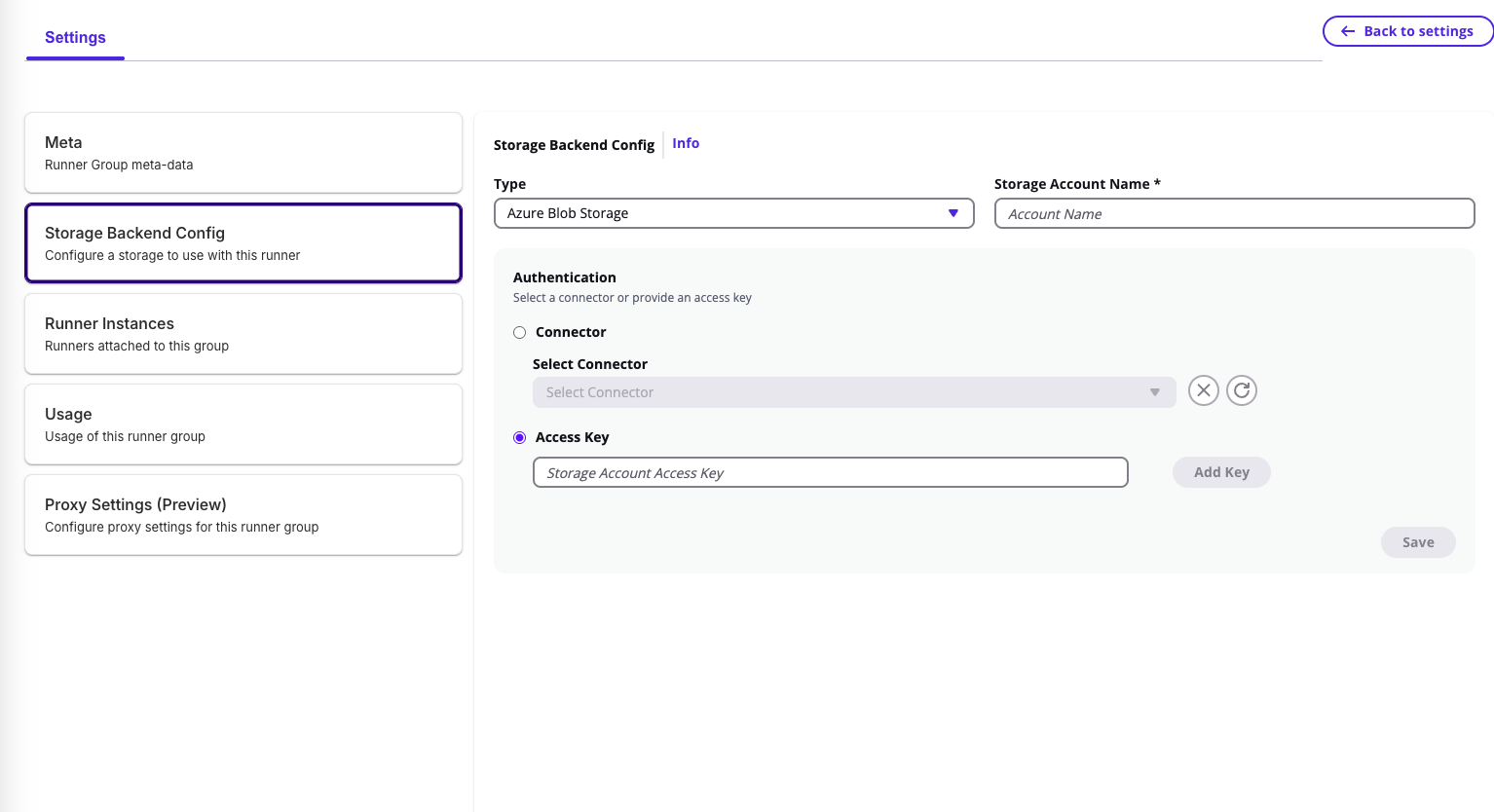
⚠️ Changing authentication details or backend type will trigger a confirmation dialog to ensure data accessibility is preserved.
💡 The storage backend defines where all workflow execution data is stored and retrieved — make sure to use a valid, connected integration to prevent interruptions in state or artifact access.